AI Chatbots
How to Measure RAG Accuracy Before You Launch
RAG accuracy is two scores, not one. See how to build a gold question set, measure both halves, and set release gates that hold.
Every organization generates thousands of documents every year. Contracts, invoices, HR policies, SOPs, technical documentation, project reports, customer records, presentations, and…
 By Yatin Chaudhary
6 min read
Updated 2 Sep 2026
By Yatin Chaudhary
6 min read
Updated 2 Sep 2026
Every organization generates thousands of documents every year. Contracts, invoices, HR policies, SOPs, technical documentation, project reports, customer records, presentations, and meeting notes are stored across dozens of platforms.
The information exists—but finding it is often the biggest challenge.
Employees spend valuable time searching through folders, cloud drives, emails, collaboration tools, and business applications before locating the right document. As organizations grow, this problem becomes even more complex.
Modern businesses need more than a basic search bar. They need intelligent systems that understand context, connect multiple data sources, and provide accurate answers instantly.
This is where AI search for internal documents is transforming the modern workplace.
In this guide, you’ll learn what AI document search is, how it works, its benefits, and why enterprises are replacing traditional document search with AI-powered search solutions.
Business information is no longer stored in a single location.
A typical enterprise stores documents across:
Employees often don’t remember where a document is stored. They only know they need the information.
Traditional search systems force users to manually search multiple applications, wasting valuable time and reducing productivity.
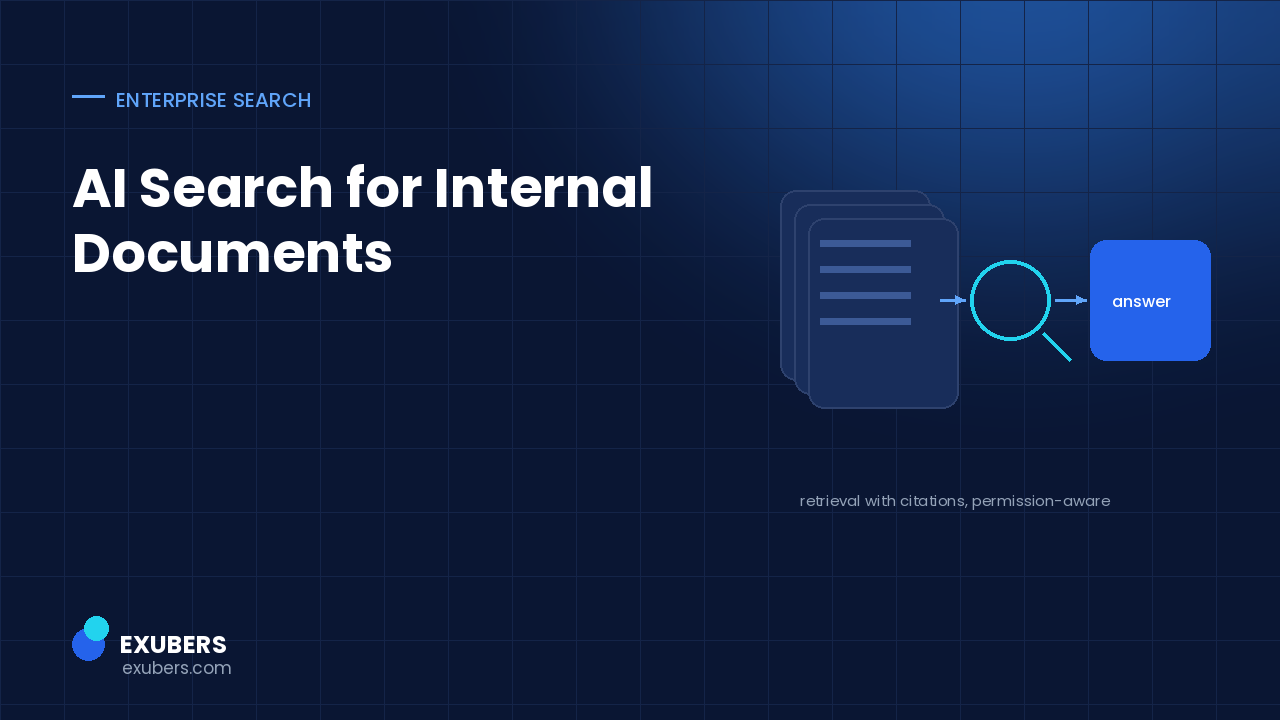
AI search for internal documents is an intelligent search solution that enables employees to find business information using natural language instead of exact file names or keywords.
Rather than returning a long list of documents, AI analyzes the user’s intent, searches connected enterprise systems, retrieves the most relevant information, and provides contextual answers.
For example, instead of searching multiple folders for a travel policy, an employee can simply ask:
The AI understands the request and delivers the right information in seconds.
Modern AI search platforms combine several technologies to make information retrieval faster and more accurate.
The AI securely connects with existing business systems such as:
This creates a unified knowledge layer across the organization.
Unlike traditional search, AI understands conversational questions.
Employees don’t need to know the exact document title or folder location.
AI understands the meaning behind a query rather than matching exact keywords.
For example, searching for “remote work policy” can also surface documents titled “Hybrid Work Guidelines” because the AI recognizes their semantic relationship.
RAG allows the AI to retrieve relevant documents before generating an answer.
This ensures responses are based on current business information instead of relying only on the AI model’s training data.
Enterprise AI respects existing user permissions.
Employees only receive information they are authorized to access.
| Feature | Traditional Search | AI Search |
|---|---|---|
| Keyword Matching | Yes | Yes |
| Natural Language Queries | No | Yes |
| Context Understanding | Limited | Advanced |
| Searches Multiple Systems | Usually No | Yes |
| Direct Answers | No | Yes |
| Semantic Search | Limited | Yes |
| Conversational Experience | No | Yes |
| Enterprise Security | Basic | Enterprise Grade |
Traditional search helps employees locate files.
AI search helps employees find answers.
That difference dramatically improves workplace efficiency.
Employees spend less time searching and more time completing meaningful work.
AI connects information stored across different departments and business applications into a single searchable experience.
Quick access to information reduces interruptions and increases efficiency across every department.
New hires can instantly access policies, SOPs, training materials, and company documentation without relying heavily on senior employees.
When employees can easily locate existing information, they avoid recreating documents or repeating research.
Business leaders gain faster access to accurate and up-to-date information, enabling quicker and more informed decisions.
Access clinical guidelines, operational policies, and compliance documentation quickly and securely.
Retrieve regulatory documents, internal procedures, and audit records while maintaining strict security.
Find production manuals, maintenance records, and quality assurance documentation instantly.
Provide employees with immediate access to leave policies, onboarding guides, and benefits documentation.
Search contracts, case files, compliance records, and legal research efficiently.
Enable support teams to quickly locate technical documentation, troubleshooting guides, and system procedures.
Before choosing an AI document search solution, businesses should evaluate whether it includes:
Choosing the right platform ensures both scalability and security.
Intellowork helps organizations eliminate the frustration of searching across disconnected systems.
By securely connecting platforms such as Google Drive, Microsoft SharePoint, Slack, Microsoft Teams, Confluence, CRM systems, HRMS platforms, and internal databases, Intellowork creates a single AI-powered search experience for the entire organization.
Using advanced Enterprise Search, Semantic Search, and Retrieval-Augmented Generation (RAG), Intellowork enables employees to ask questions naturally and receive accurate, permission-aware answers in seconds.
With Intellowork, businesses can:
Instead of navigating multiple applications, employees simply ask a question and let AI find the answer.
As businesses continue to generate more data, traditional search methods are becoming increasingly inefficient.
Employees need answers—not endless lists of files.
AI-powered document search transforms enterprise knowledge into an intelligent, searchable resource that improves collaboration, accelerates workflows, and supports better decision-making.
Organizations that adopt AI search today will be better prepared to handle the growing complexity of enterprise information tomorrow.
AI search for internal documents uses artificial intelligence to help employees find files, policies, reports, and business knowledge through natural language queries instead of traditional keyword searches.
Traditional search returns files based on keyword matches. AI document search understands context, searches across multiple systems, and provides direct, relevant answers.
Yes. Modern AI search platforms integrate with Google Drive, Microsoft 365, SharePoint, Slack, Teams, Confluence, CRM systems, HRMS platforms, and more.
Enterprise-grade solutions include role-based access controls, encryption, audit logs, and permission-aware retrieval to ensure confidential information remains protected.
Intellowork combines enterprise search, semantic AI, and Retrieval-Augmented Generation (RAG) to help employees instantly access accurate information from connected business systems while maintaining enterprise-level security.
Read next: a connector guide for SharePoint, Google Drive and Confluence, covering ingestion, chunking and permission filtering.

Yatin Chaudhary writes on enterprise search, AI retrieval and platform engineering at Exubers Technologies, where the team builds search, AI, cloud and DevOps systems for enterprises across India and the GCC.
RAG accuracy is two scores, not one. See how to build a gold question set, measure both halves, and set release gates that hold.
A multilingual AI chatbot answers a Hindi question from English documents. Here is the architecture, the testing method and a…
A repeatable way to test an AI chatbot before launch: build a golden question set, score retrieval and grounding separately, and…
Tell us what you are trying to ship. We will tell you what it actually takes — scope, sequence and the risks worth knowing about before you commit budget.